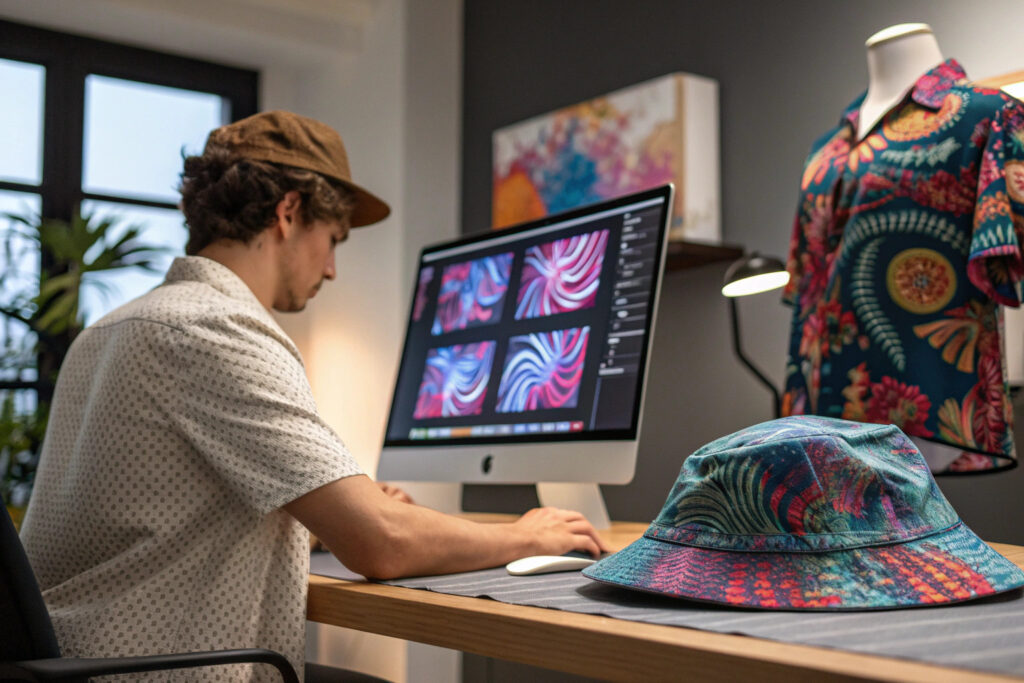
Generative AI is revolutionizing textile design, offering an unprecedented tool for creating unique, complex, and commercially viable patterns at scale. For hat manufacturers and brands, this technology unlocks a new frontier of customization, trend response, and creative exploration. However, moving from a novelty to a profitable product line requires a strategic design-to-production workflow.
Designing generative AI-printed hat patterns involves a structured, four-phase process that blends creative prompting with technical precision: Conceptualizing and Prompting for Wearable Art, Optimizing Patterns for 3D Hat Forms, Ensuring Print-Ready Technical Specifications, and Implementing a Scalable On-Demand Workflow. This approach ensures the final product is not just visually stunning, but also manufacturable, comfortable, and market-ready.
Let's explore each phase to transform AI-generated images into successful physical hats.
How to Conceptualize and Prompt for Wearable Art Patterns?
The journey begins with the right creative vision. Generative AI is a tool that requires precise direction. Unlike designing for a flat t-shirt, a hat is a 3D object with seams, darts, and curvature. Your prompts must account for this dimensionality from the start to avoid patterns that look distorted or misaligned when sewn.
Effective conceptualization marries artistic vision with constraints for wearability. You must guide the AI to create patterns that are continuous, scalable, and aesthetically coherent from all angles, using specific keywords and compositional techniques tailored for apparel.

What Are the Key Prompting Strategies for Fashion Textiles?
To generate usable textile patterns, your prompts need structure. Here is a framework to build effective ones:
- Style/Aesthetic: "Cyberpunk, Art Deco, Biophilic, Watercolor Sketch, Glitch Art, Organic Fluid"
- Pattern Type: "All-over print, seamless tile, geometric repeat, floral damask, abstract splatter, camouflage derivative"
- Color Palette: "Pantone 2024 palette, muted pastels, neon and black, monochrome blue, earth tones"
- Technical Textile Keywords: "Seamless texture, high-resolution, textile pattern, fabric print, no discernible object edges"
- Composition Constraint: "Symmetrical, flowing gradient, designed for curved surface, balanced negative space"
Example Prompt: "A biophilic all-over print textile pattern featuring seamless, overlapping fern and monstera leaf outlines in a palette of sage green, cream, and slate grey. Create as a seamless tile with symmetrical balance, suitable for apparel."
Using negative prompts is equally important: "no humans, no faces, no large central logo, no photorealistic objects, no hard borders".
How to Build a Cohesive Creative Direction?
To move beyond one-off designs, develop thematic "Creative Seeds":
- Theme Boards: Create digital mood boards for collections: "Digital Serenity," "Urban Decay Revival," "Neo-Baroque."
- Prompt Iteration: Use a single strong prompt as a "seed" and iterate by swapping one element (e.g., change "Art Deco" to "Brutalist," or "pastels" to "metallics").
- AI Tool Selection: Use platforms known for pattern generation. Midjourney excels at artistic styles, Stable Diffusion (with ControlNet for tiles) offers precise control for seamless repeats, and DALL-E 3 understands complex prompts well. For a partner like Shanghai Fumao Clothing, establishing a library of proven, brand-aligned prompts becomes a valuable IP asset.
How to Optimize AI Patterns for 3D Hat Construction?
A beautiful 2D pattern can fail on a 3D form. Hats have crown seams, brims, and curves that will cut and warp a flat image. The key is to anticipate these transformations in the digital stage and design patterns that are "forgiving" or even enhanced by the hat's structure.
Optimization involves two parallel tracks: adapting the pattern layout to the hat's specific technical pattern pieces, and simulating the final look in 3D before committing to print. This phase bridges art and technical design.
What Are Critical Hat-Specific Pattern Layout Considerations?
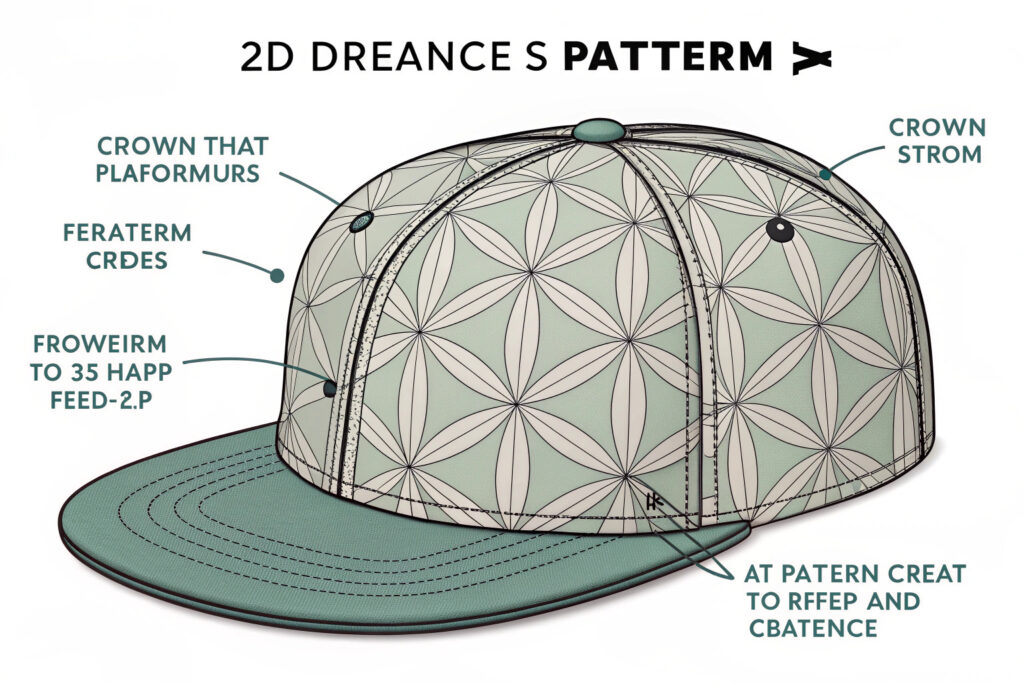
Each hat style has unique pattern pieces that must be considered a canvas:
- 6-Panel Baseball Cap: The front two panels are the focal point. Design patterns with a central element or gradient that aligns with the front seam. Avoid strong horizontal lines that will be broken by the side seams.
- Bucket Hat/Boonie Hat: This is often made from a crown and a brim. The crown is a circle or donut shape. Seamless, all-over patterns or radial designs work best here, as any seam is typically vertical.
- Beanie: Usually knitted, but for printed fabric beanies, consider stretch. A non-directional, abstract pattern (like a marbled effect) will distort uniformly and still look good.
- Sun Hat with Wide Brim: The brim is a large, flat circle. This is a prime canvas for a bold, radial pattern that emanates from the center crown.
Actionable Tip: Request the 2D CAD pattern pieces (in .DXF or .AI format) from your manufacturer. Import these into your design software (like Adobe Illustrator) and overlay your AI-generated pattern. This allows you to see exactly how the pattern will be cut and where seams will interrupt the design.
Why is 3D Digital Simulation a Non-Negotiable Step?
Printing a fabric sample for every design is costly and slow. 3D simulation software is the solution:
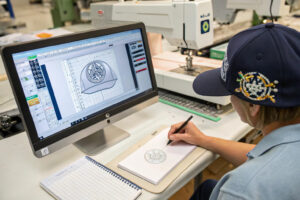
- Software Tools: Use CLO3D, Browzwear, or even Blender with fabric simulation plugins. Import the hat's 3D model (which your manufacturer can often provide) and apply your AI-generated pattern as a digital texture.
- Simulation Benefits: You can instantly see how the pattern wraps around the crown, if it creates awkward mismatches at seams, and how it looks from every angle. You can adjust the pattern's scale, rotation, and position digitally in minutes.
- Pre-Production Validation: This step allows you, your design team, and your client to approve the final look virtually, saving weeks of sample iteration. It's a powerful tool for Shanghai Fumao Clothing to present to clients, ensuring vision alignment before physical production.
How to Ensure Print-Ready Technical Specifications?
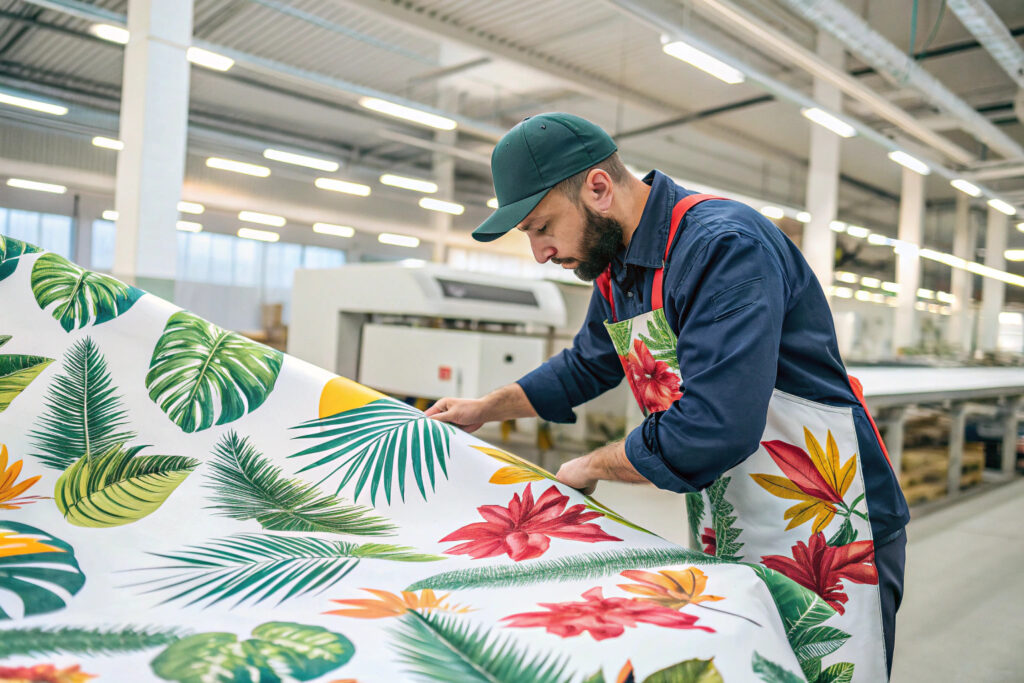
The transition from a digital image to pigment on fabric is a technical process. AI-generated images often lack the color profiles, resolution, and repeat precision required for industrial textile printing. Failing to prepare files correctly leads to blurry prints, inaccurate colors, and visible seams.
Ensuring print-readiness is about mastering the color separation, file formatting, and fabric selection that translate a digital concept into a high-quality physical product. This is where the designer's role meets the printer's requirements.
What Are the Essential File Preparation Steps?
To create a production-ready file, follow this checklist:
- Resolution and Scale: The image must be a minimum of 300 DPI (dots per inch) at the printed size. If your hat crown pattern piece is 30cm tall, your design file for that piece must be 300 DPI at 30cm. An image that looks good on screen at 72 DPI will print pixelated.
- Color Mode Conversion: AI tools typically output in RGB (Red, Green, Blue) mode for screens. Textile printing uses CMYK (Cyan, Magenta, Yellow, Key/Black) for sublimation, or specific Pantone spot colors for screen printing. Convert your file to the printer's required color profile and expect some color shift—always request a lab dip (physical color swatch) for approval.
- Seamless Tiling and Overlap: For patterns that repeat, use Photoshop's "Offset Filter" or dedicated tools to check and perfect the tile seam. Ensure the pattern has a bleed area (usually 1-3cm) beyond the cut line so pattern continues to the very edge of the sewn piece.
How Does Fabric Choice Dictate Design and Print Method?
The base material determines the best printing technique and influences the design:
- Sublimation Printing on Polyester: Ideal for full-color, photorealistic AI patterns. It allows for all-over printing with no feel on the fabric. Design can cover the entire piece without restriction. Best for bucket hats, baseball caps (polyester twill), and performance hats.
- Direct-to-Garment (DTG) on Cotton: Excellent for soft, detailed prints on natural fibers. However, it may not be as vibrant as sublimation on dark fabrics and is typically used for localized prints rather than all-over patterns.
- Silicone or PVC Printing: For raised, textured effects. You can use AI to generate a "height map" pattern that dictates where the silicone is applied thicker for a 3D tactile effect.
Consult with your printing partner early. Their machinery's capabilities (e.g., maximum print width, color limitations) will define the boundaries of your design.
How to Implement a Scalable On-Demand Workflow?
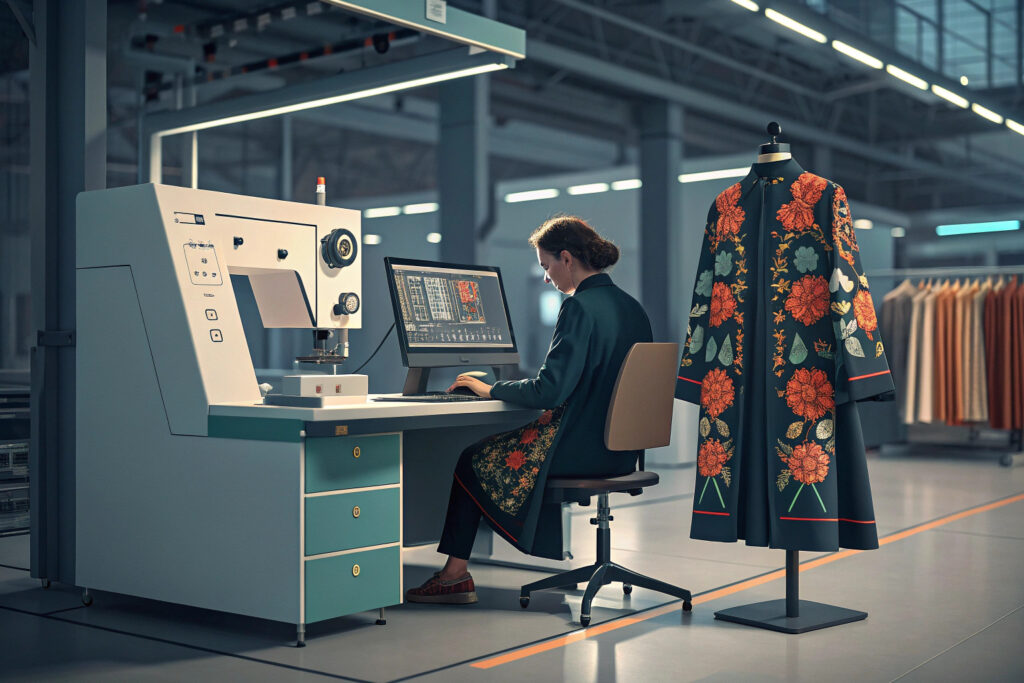
The true power of generative AI in fashion is mass customization—offering unique designs without massive inventory risk. To capitalize on this, you need a workflow that connects AI generation directly to automated printing and streamlined manufacturing.
A scalable workflow integrates AI generation engines, print-on-demand (POD) platforms, and agile manufacturing into a cohesive system. This allows for everything from customer-co-created hats to data-driven, limited-edition collections.
What Does an Integrated On-Demand Pipeline Look Like?
A modern pipeline might flow like this:
- AI Design Engine: A curated library of AI prompt "styles" generates a batch of 100 unique patterns. Alternatively, a customer-facing tool allows users to input a keyword (e.g., "forest," "circuit board") to generate their own base pattern.
- Automated Pre-Production: Software automatically maps the generated pattern onto the digital 3D hat template, simulates the final product for customer preview, and then flattens it onto the 2D pattern pieces.
- Direct-to-Print Integration: The finished, validated design file is sent via API to a direct-to-fabric printer (like a Kornit or MS printing system) which prints the exact yardage needed for one hat.
- Agile Assembly: The printed fabric is then cut and sewn. For a manufacturer like Shanghai Fumao Clothing, this means batching these unique pieces efficiently—cutting multiple different hats from the same printed fabric sheet to minimize waste.
How Can You Leverage Data for Trend-Driven Collections?
Generative AI can also analyze trends to inform design:
- Trend Analysis: Use AI to scrape and analyze social media (Pinterest, Instagram), runway shows, and street style to identify emerging color, pattern, and style trends.
- Data-Informed Prompting: Feed these insights back into your prompt library: "Generate patterns in the 'gorpcore' aesthetic using the trending color 'Digital Lavender' with technical fabric textures."
- Micro-Collections: Use this method to produce weekly or monthly "drops" of 5-10 hat designs that feel hyper-current, testing the market with minimal risk before scaling successful designs into broader bulk production.
Conclusion
Designing generative AI-printed hat patterns is a multidisciplinary craft that fuses creative AI prompting, 3D technical design, textile printing expertise, and smart supply chain integration. By mastering this four-phase process—from intentional prompting and 3D optimization to technical file preparation and scalable workflow design—you can unlock a new era of innovation, personalization, and speed-to-market.
This approach positions your brand at the forefront of a major shift in fashion manufacturing, where creativity is limitless and inventory is intelligent.
If you are ready to explore the development of a generative AI-powered hat line or integrate this capability into your existing offerings, our team can help bridge the gap between digital concept and physical perfection. For a detailed discussion on prototyping and production, please contact our Business Director, Elaine, at Shanghai Fumao Clothing. You can reach her at: elaine@fumaoclothing.com.